 Duplicate Photo Cleaner · Free up space on your PC
Keep the best. Lose the duplicates.
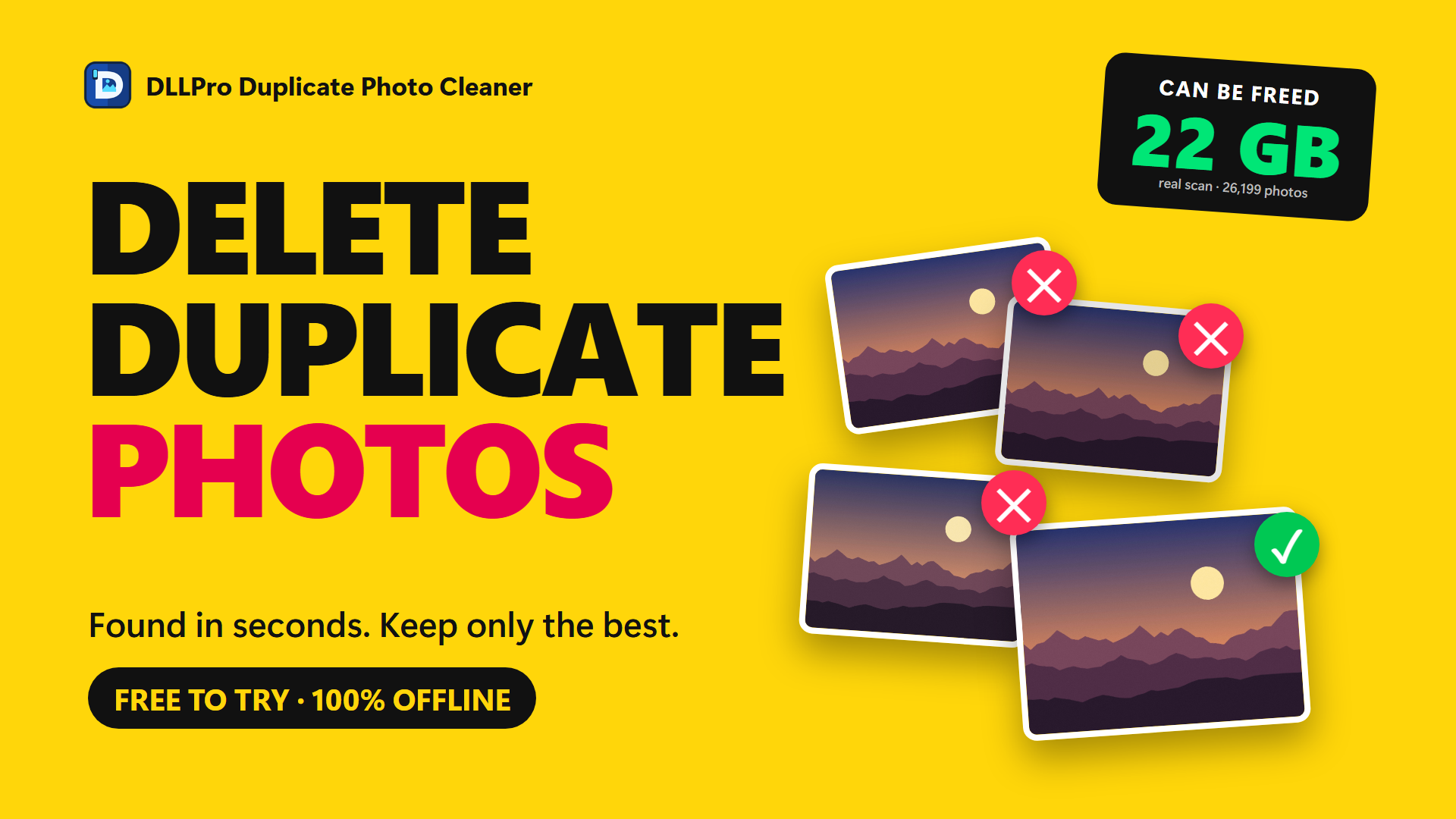
Finds copies, burst shots and resized versions of the same photo in seconds – and keeps only the best one. Nothing ever leaves your computer.
Free up space on your PC
Exact and similar duplicates
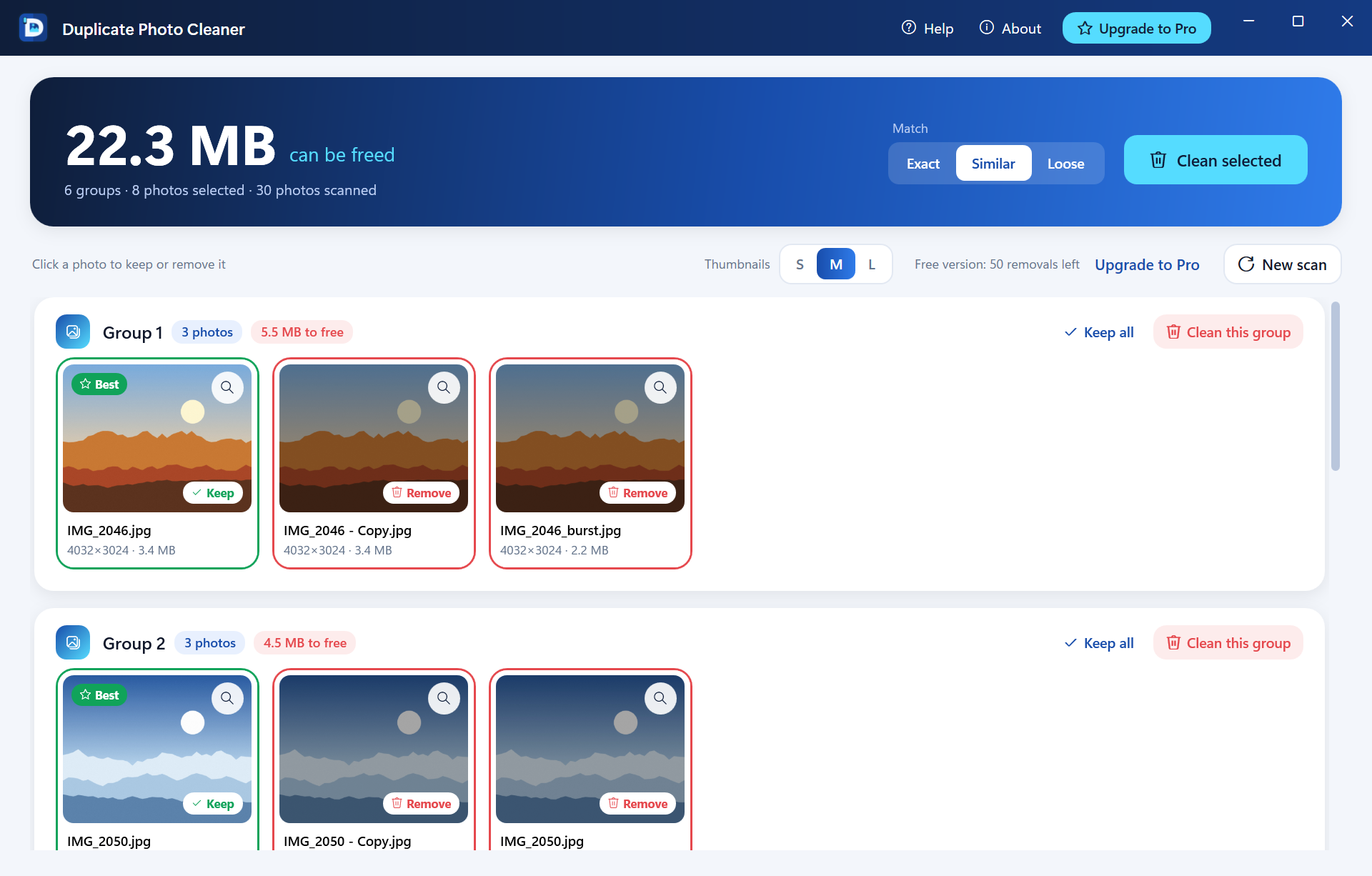
Finds identical copies and photos that look the same – even if they were resized, recompressed or saved in another format.
Keeps the best one for you
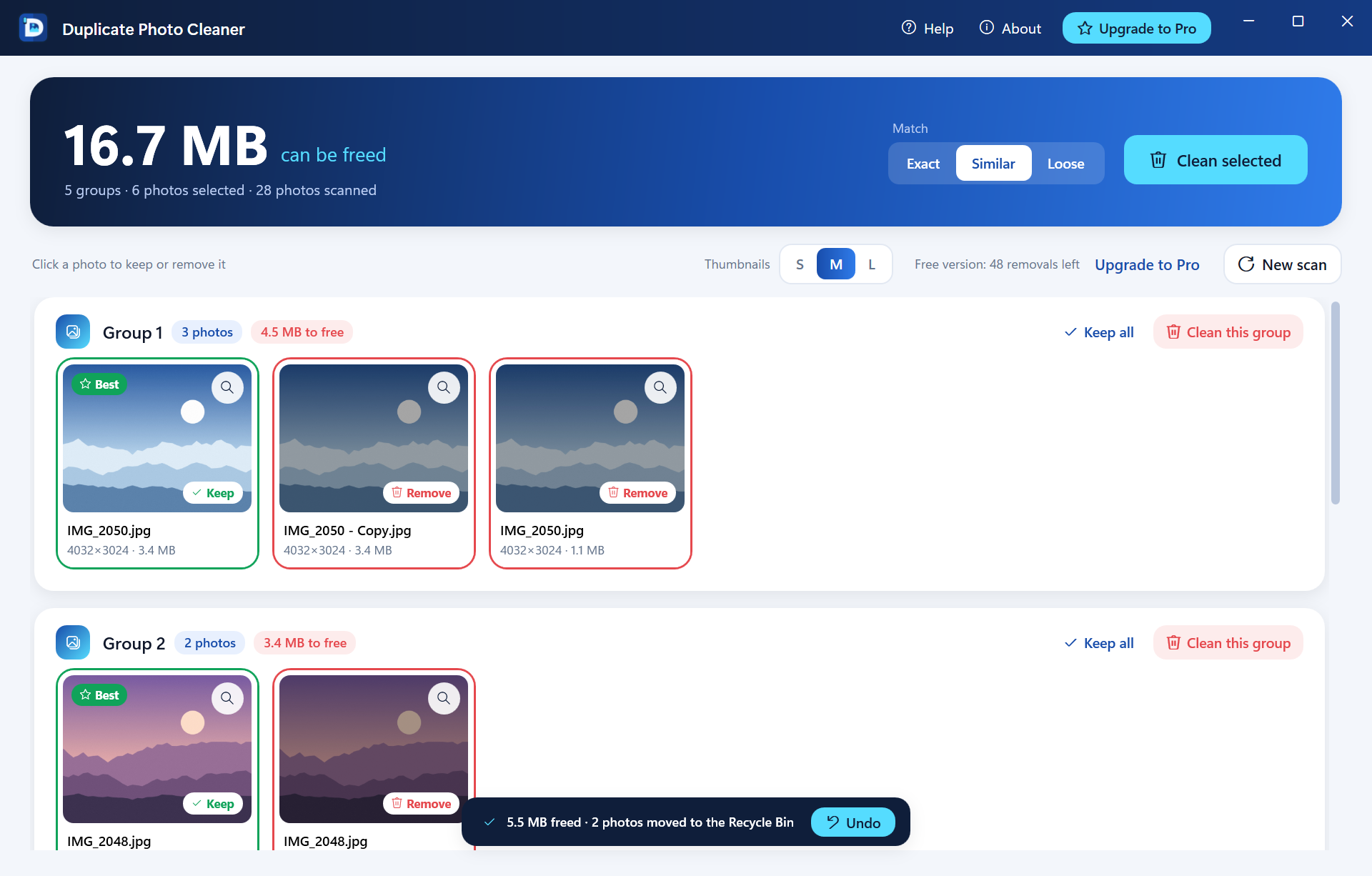
In every group the photo with the highest resolution is kept and its copies are selected. Similar shots stay on Keep – you decide.
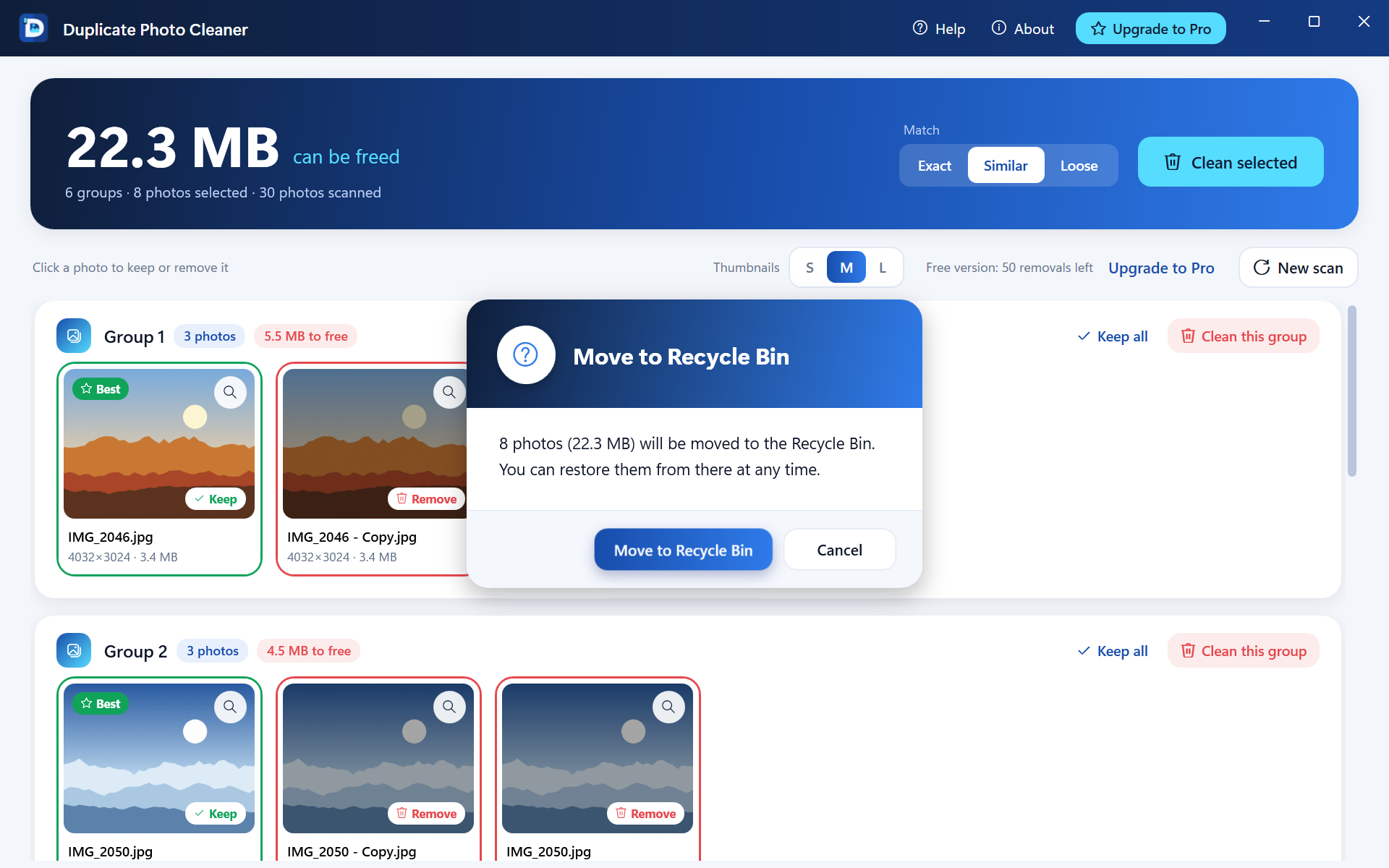
Recycle Bin only
Photos are moved to the Windows Recycle Bin – never deleted permanently.
Undo with one click
Changed your mind? One click puts the photos back where they were.
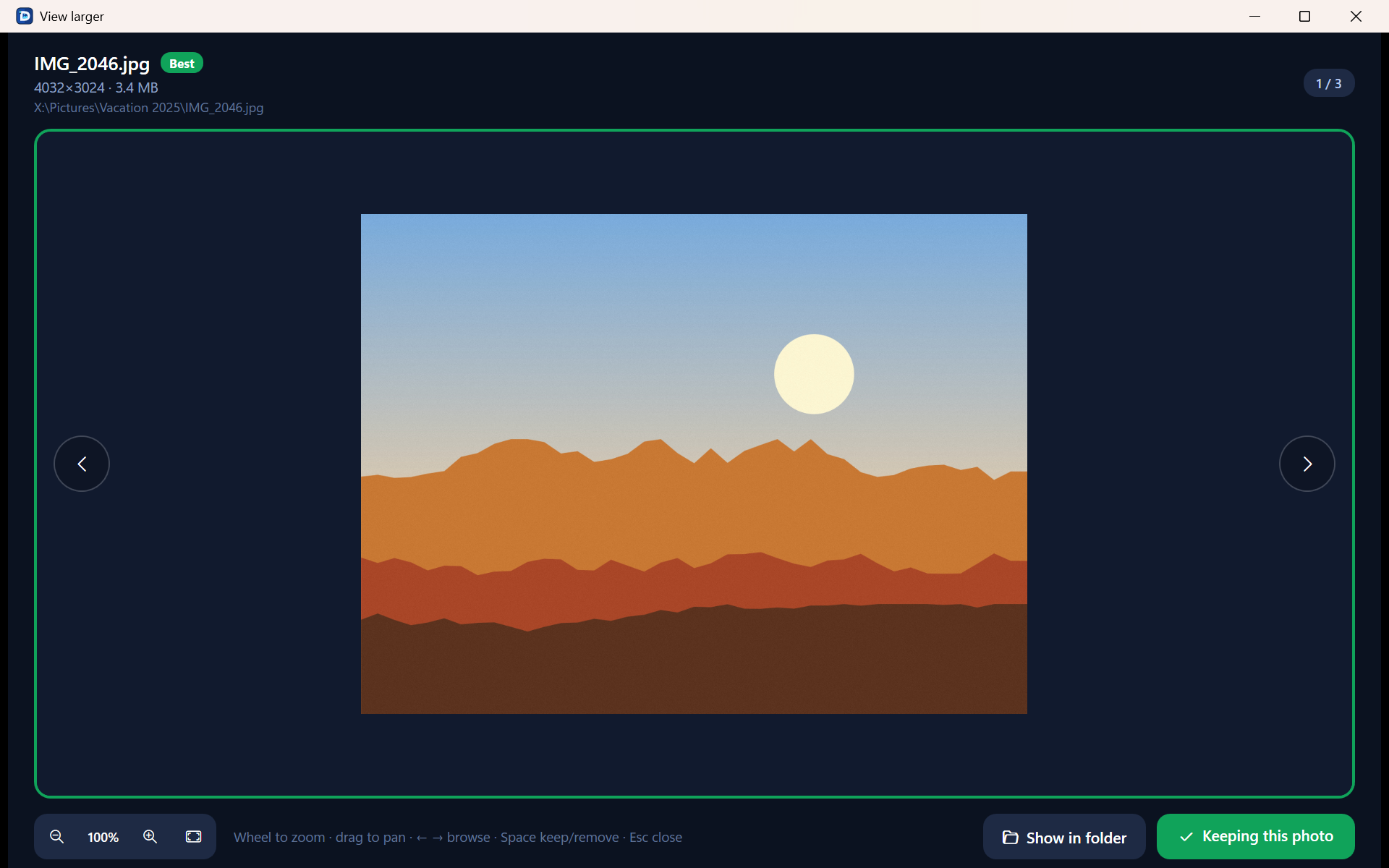
Compare side by side
Open any photo larger, zoom in and browse the group before you decide.
100% private
Everything runs on your PC. No account, no cloud, no tracking.
Üç adım. Sıfır zahmet.
- 01
Pick your folders
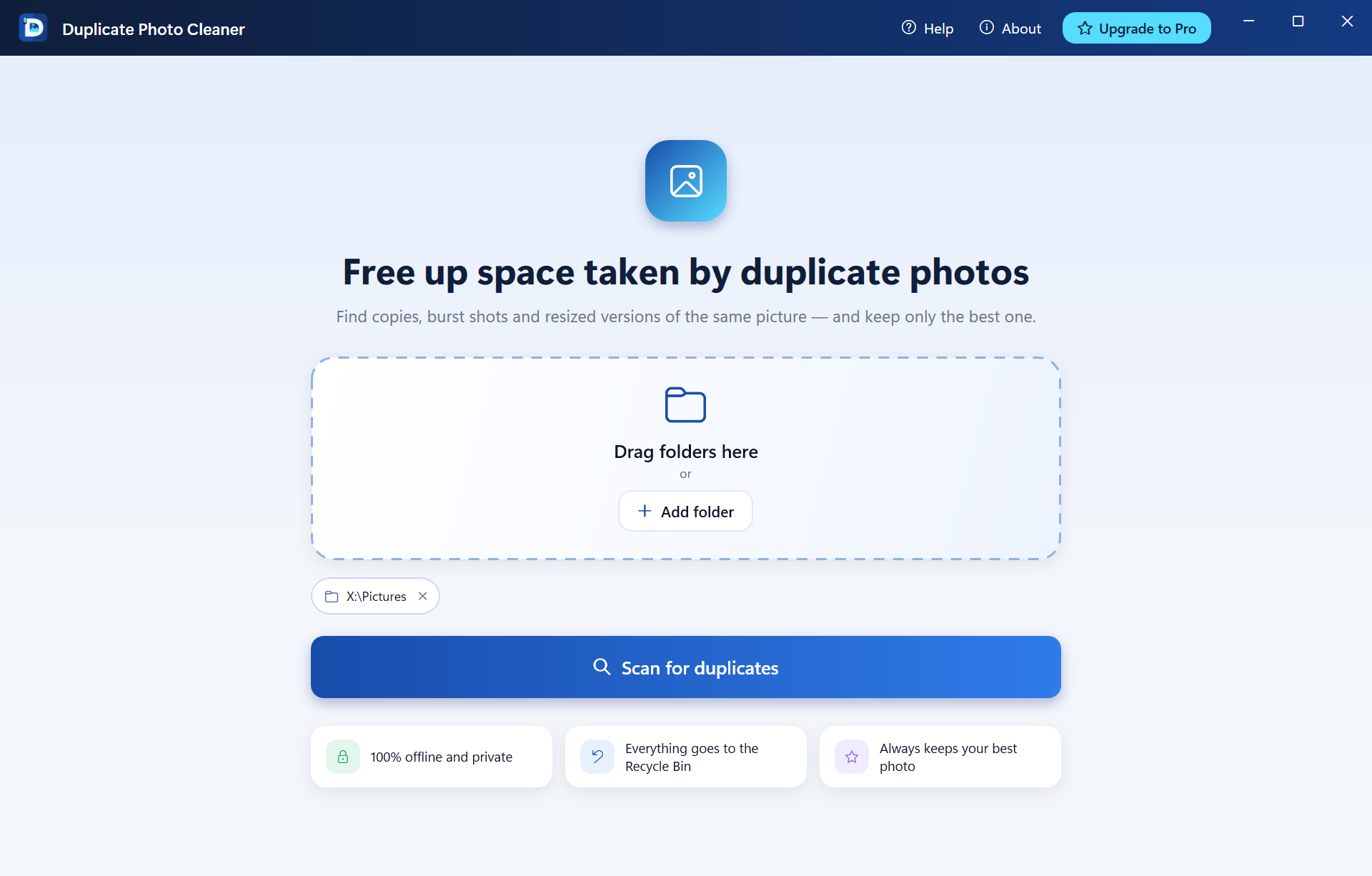
Choose one or more folders – or drag them onto the window.
- 02
Let it scan
Duplicate Photo Cleaner compares every photo and groups the copies.
- 03
Clean with confidence
The best photo is kept and its copies are selected. Check, click Clean, done.
Ayrıntılar
- Sürüm
- 1.0.0
- Gereksinim
- Windows 10 & 11 (x64, ARM64)
- Diller
- English فارسی العربية Deutsch Türkçe 简体中文 Русский
- Fiyat
- Free · Pro $4.99
Yenilikler
v1.0.0- First release on Microsoft Store
- Exact, Similar and Loose matching
- Undo, side-by-side preview, remembered settings
Duplicate Photo Cleaner SSS
Does it delete my photos permanently?
No. Removed photos are only moved to the Windows Recycle Bin, so you can bring them back with Undo or from the Recycle Bin. On drives without a Recycle Bin (network or some USB drives) the app does not remove anything. Because nothing is deleted permanently, the space is freed only when you empty the Recycle Bin – see “Why didn’t I get free space back?” below.
Why didn’t I get free space back after cleaning?
For your safety, Duplicate Photo Cleaner never deletes photos permanently – it moves them to the Windows Recycle Bin, and files in the Recycle Bin still use disk space. Once you have checked that you don’t need them, right-click the Recycle Bin on your desktop and choose “Empty Recycle Bin”. The space is freed right away. Tip: after emptying, Undo can no longer bring those photos back.
What does the free version include?
Everything. You can scan and review without limits and remove up to 50 photos. Pro removes the limit with a one-time purchase.
Does it support iPhone photos (HEIC)?
Yes. Install the free “HEIF Image Extensions” and “HEVC Video Extensions” from the Microsoft Store. Without them, HEIC photos are still checked for exact copies.
Fotoğraflarım bilgisayarımdan çıkar mı?
Hayır. Face Finder yüzleri bilgisayarınızda tanır. Hiçbir şey yüklenmez.
Which photo is kept?
The one with the highest resolution. If two are equal, the larger file, then the oldest one. You can always change the choice with a click.
Duplicate Photo Cleaner hakkında sorunuz mu var?
7 dilimizden herhangi birinde yazın. Talep numarası ve yanıt için özel bir bağlantı alırsınız.
Talebiniz var mı? Durumunu kontrol edin →Diğer uygulamalar

Duplicate Photo Cleaner uygulamasını denemeye hazır mısınız?
Microsoft Store'dan güvenli indirme · Otomatik güncellemeler · Free · Pro $4.99
Microsoft Store'dan edinin