 Face Finder · Find people in your photos
Find everyone in your photos.
Scans your PC and external drives, recognizes every face and sorts years of memories into people — in minutes. Nothing ever leaves your computer.


Find people in your photos
Smart face recognition
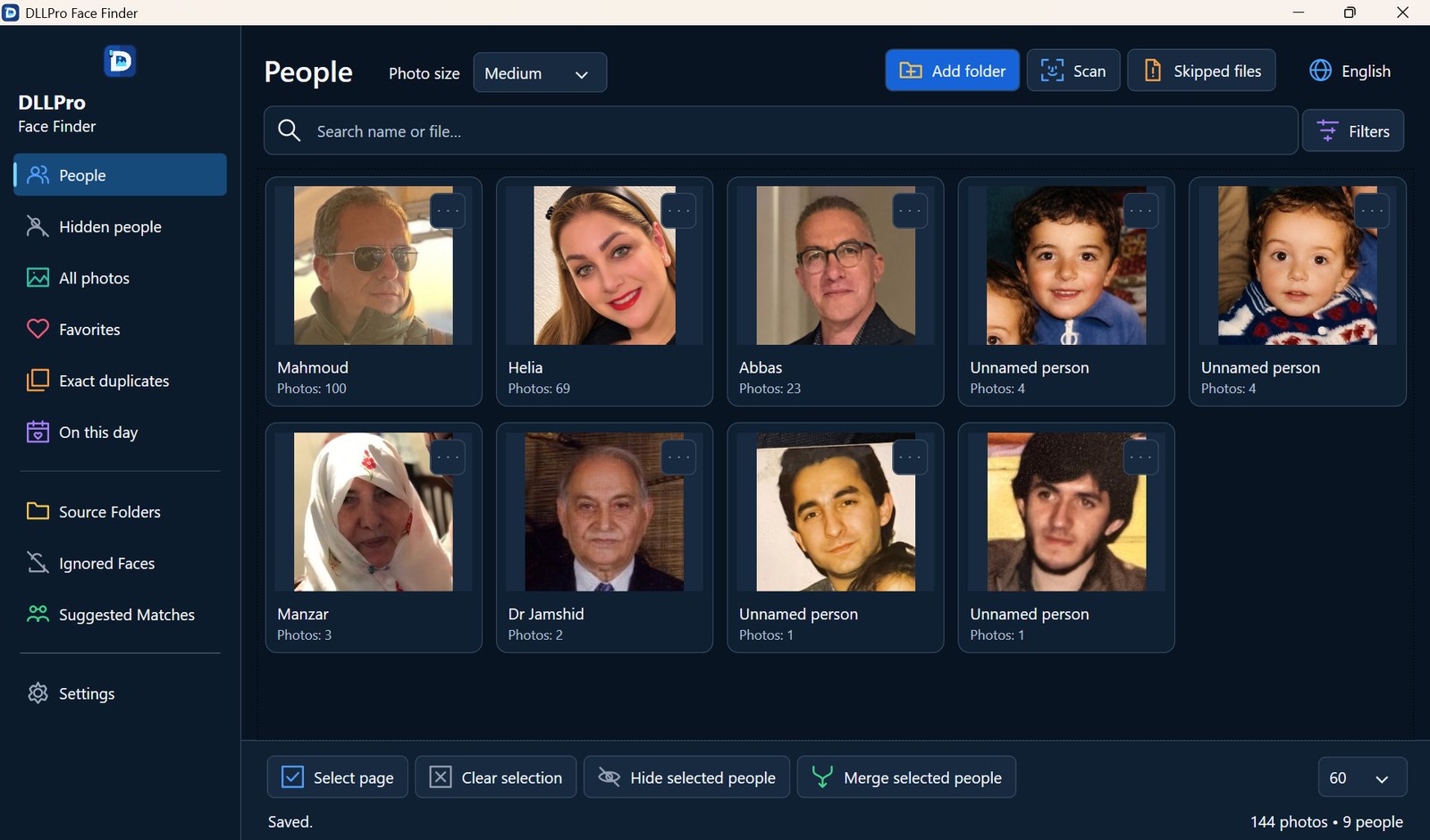
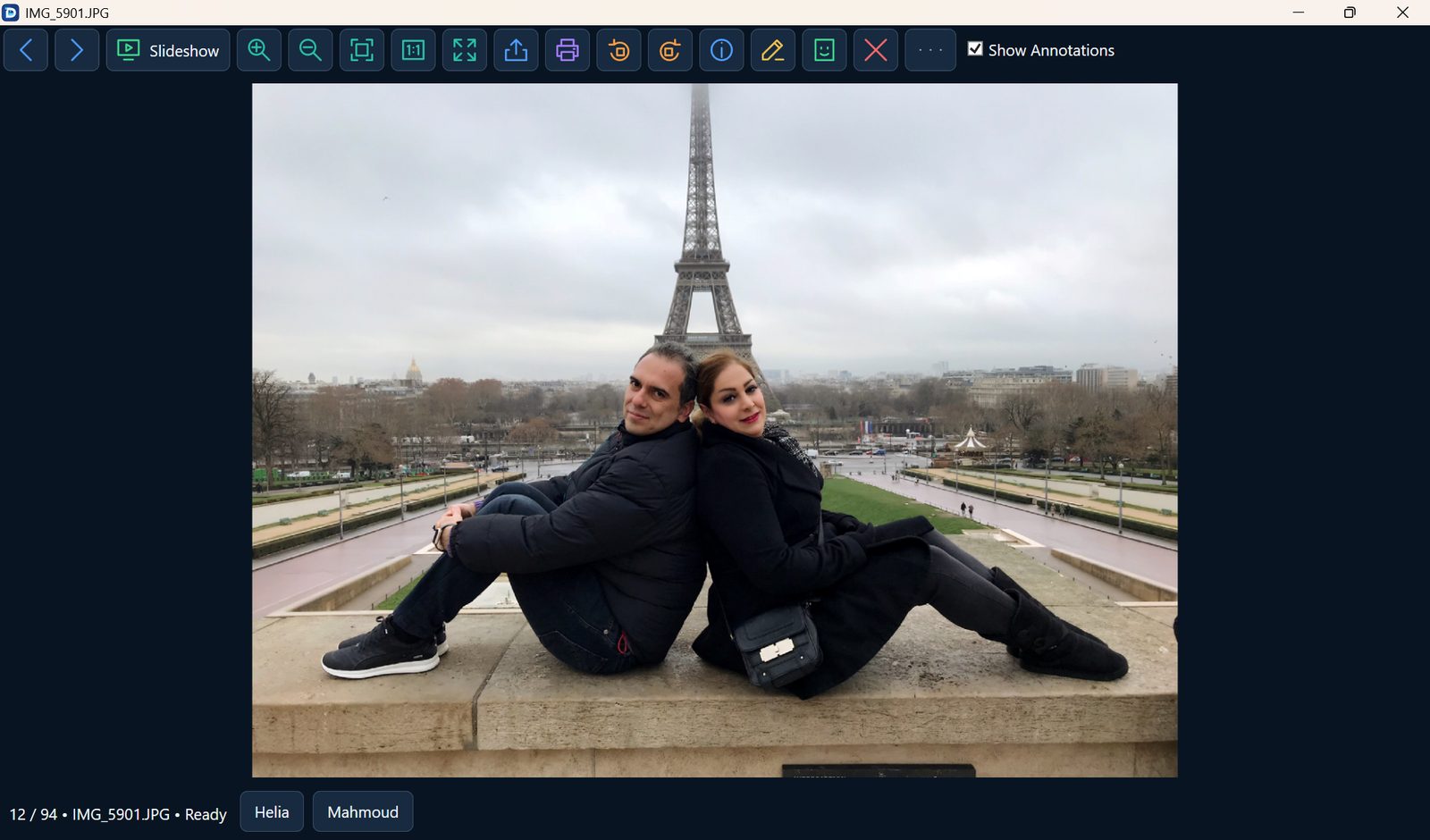
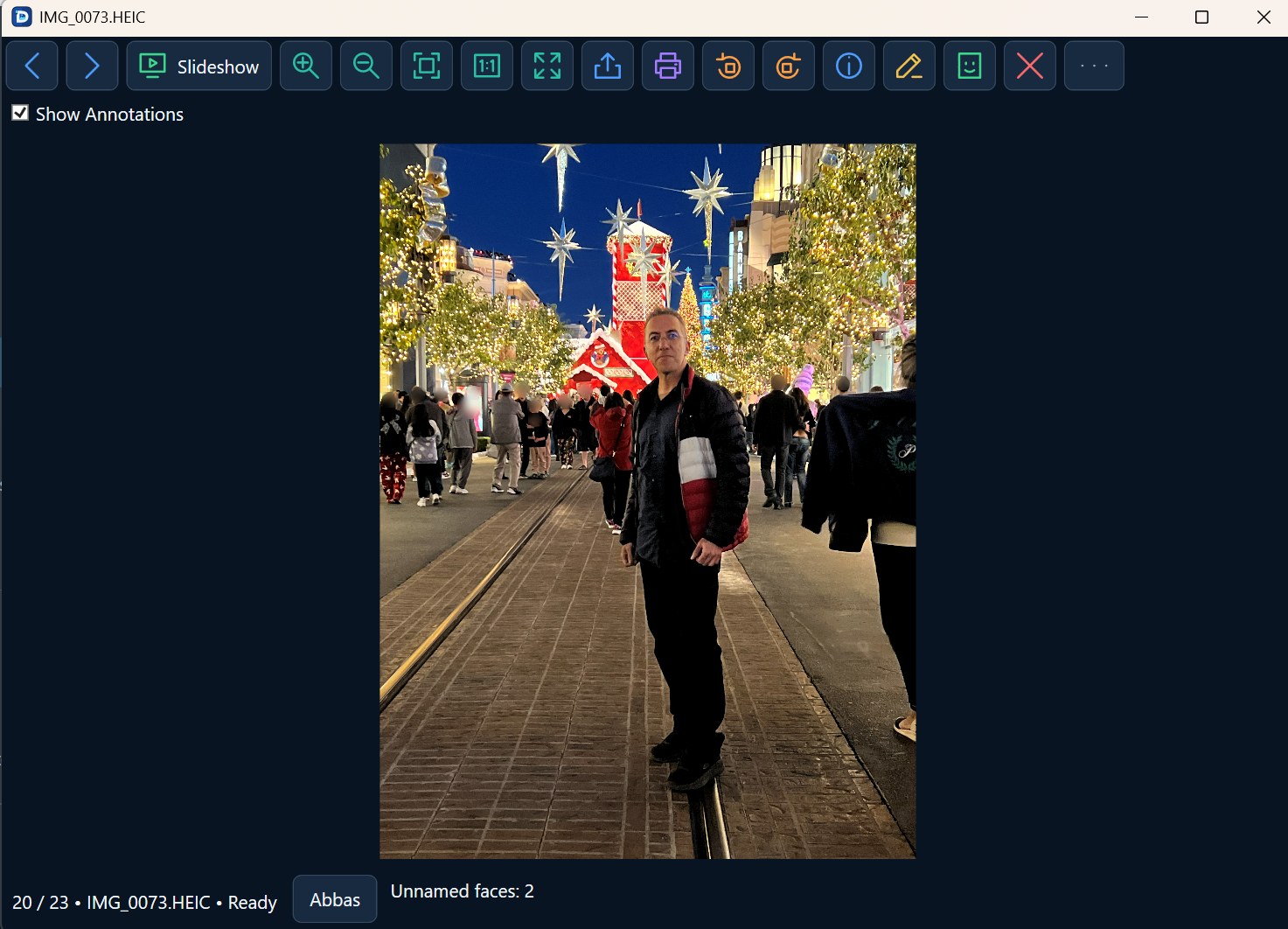
Detects every face and groups the same person together — across years and hairstyles. Missed a match? Merge two people in one click.
Scans every drive
Internal disks and external USB drives — nothing gets missed.
Who’s in each folder
An instant index shows which people appear in every folder.
Clean up in batches
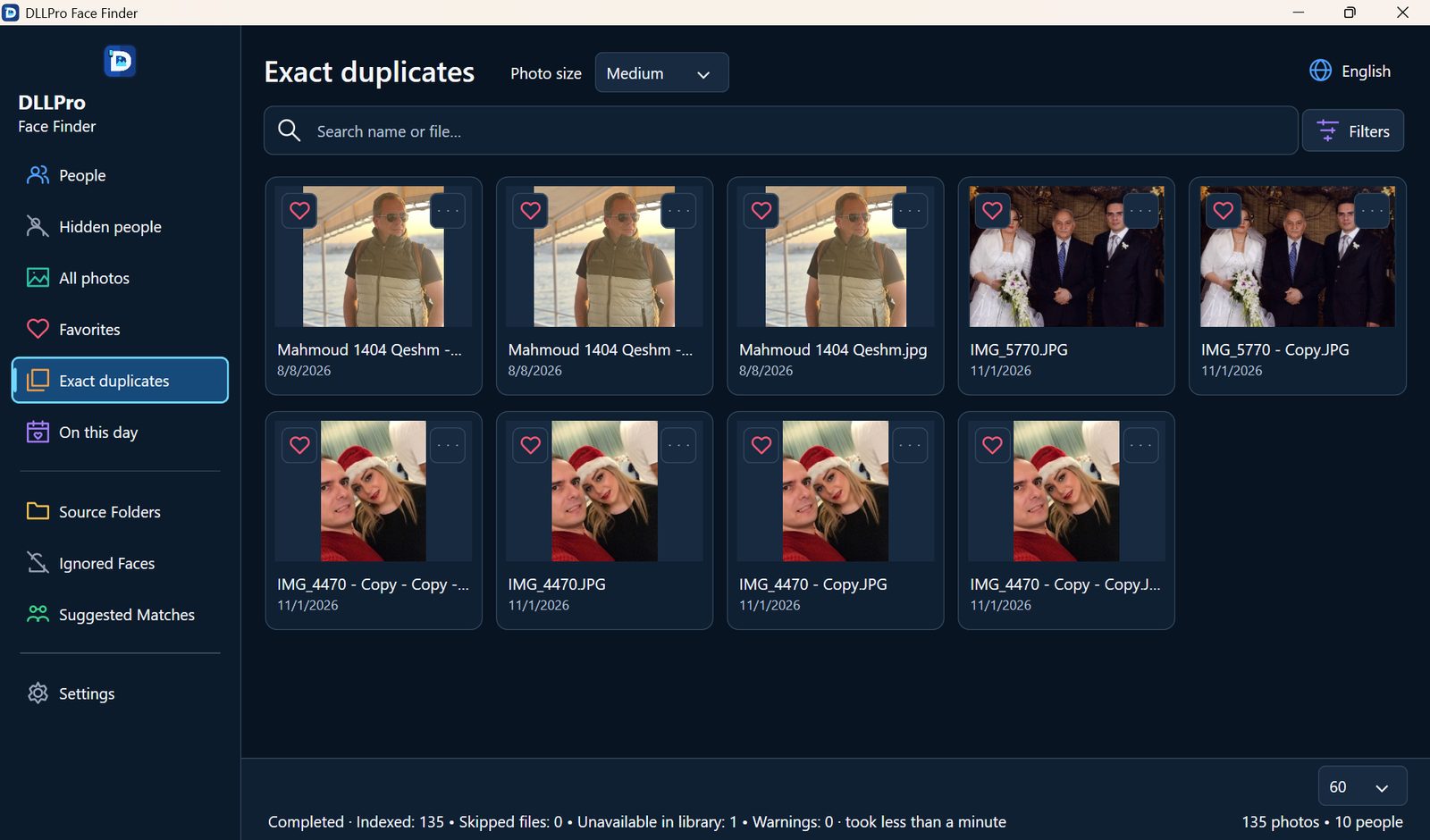
Review, move and delete photos with a clear preview first. Nothing happens without your confirmation, and deleted photos go to the Recycle Bin.
100% private
Recognition runs on your PC. Your photos are never uploaded.
Three steps. Zero effort.
- 01
Pick your drives
Choose the folders and drives where your photos live.
- 02
Let it scan
Face Finder detects and groups every face on your PC.
- 03
Browse by person
Name someone once and see every photo of them instantly.
Details
- Version
- 1.0.0
- Requires
- Windows 11, 64-bit
- Languages
- English فارسی العربية Deutsch Türkçe 简体中文 Русский
What’s new
v1.0.0- First release on Microsoft Store
- Face recognition across internal and external drives
- Folder index of who appears where
Face Finder FAQ
Do my photos leave my computer?
No. Face Finder recognizes faces on your PC. Nothing is uploaded.
Can it scan external drives?
Yes. Choose any internal or USB drive and Face Finder includes it in the scan.
Which Windows versions are supported?
Windows 11, 64-bit.
Does it delete photos automatically?
Never. Your original photos are never changed, moved or deleted without your confirmation, and deleted photos go to the Windows Recycle Bin, so you can restore them.
Why does the same person appear twice?
Side views, sunglasses or very blurry photos can look like a different person. Select both people and click “Merge selected people” — it takes a second.
Does it recognize pets?
Not yet. Face Finder groups human faces only.
Questions about Face Finder?
Write in any of our 7 languages. You’ll get a ticket number and a private link to follow the reply.
Already have a ticket? Check its status →Ready to try Face Finder?
Safe download from Microsoft Store · Automatic updates
Coming soon to Microsoft Store